Multi-drive servers and NAS / SAN systems
Data recovery from
RAID arrays
Process
How does data recovery work?
Send the hardware
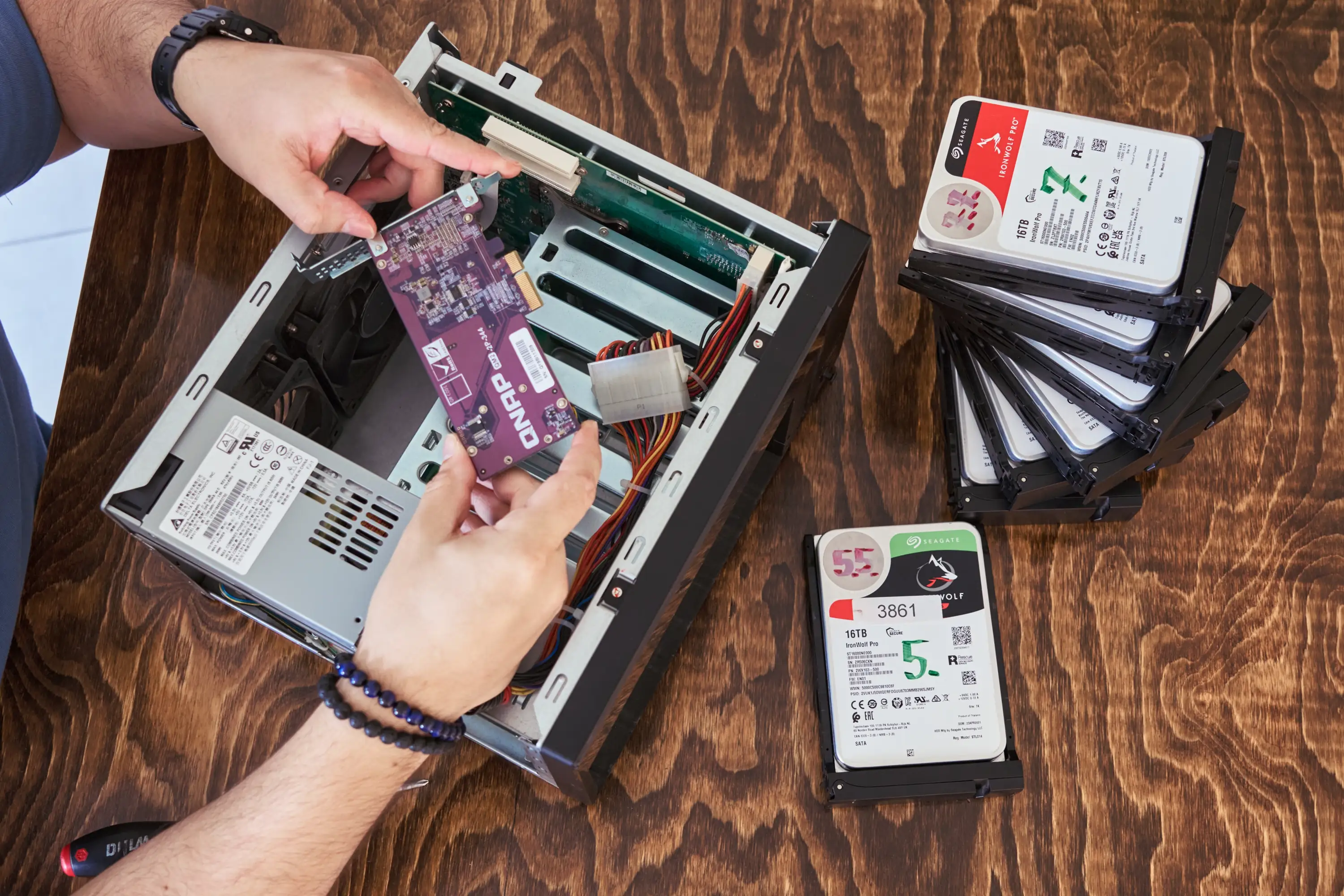
Drives only (with slot order labelled) or the full device — in person or by courier.
Diagnosis and report
We assess each drive, analyse the RAID configuration and reconstruction options, then prepare a quote. Diagnostics takes from 5 business days (standard) or up to 48 h (express).
Recovery
You decide whether to proceed based on the technical report and list of recoverable files.
Collection
We copy the recovered data to a new drive or make it available for secure download from our server (up to 10 TB).
Approximate costs
How much does RAID data recovery cost?
Analysis
Standard: €65 / drive
Express 24/7: €250 / drive
- Detailed technical report
- Data recovery quote
- List of recoverable files
Typical arrays
from €150 / drive
- RAID 0, 1, 5, 10 – logical damage
- Array in Degraded state
- Controller or NAS failure
- Lost RAID configuration / metadata
Complex configurations
from €220 / drive
- RAID 6, 50, 60 – multiple drive failure
- Arrays with more than 8 drives
- SAN, ZFS, Hyper-V, VMware systems
- Physical damage to drives in the array
Price covers every drive participating in the array. Hot Spare drives are not included. Unusual or particularly complex cases are quoted individually after analysis.
Video from the lab
Failed RAID 5 array
See how the process works in practice
We film our work to show the real service process. The video below is a complete procedure of drive preparation, imaging, and array reconstruction — due to failure of two of four drives in a RAID 5 configuration the system entered Fail mode; the recovery result was 99% of working data and 1 corrupted file.
Technical equipment
Tools
for specialist work
Working with RAID arrays requires both hardware for individual drive handling and software that understands RAID structures, file systems, and virtualisation. We handle configurations that automated solutions cannot process.
Hardware and software
- AceLab PC-3000 Express with RAID extension
- AceLab PC-3000 Express with SSD extension
- UFS Explorer Technician
- Dedicated workstations for large-capacity arrays
Supported RAID levels
- RAID 0, 1, 1E, 10, 0+1, 3, 4, 5, 51, 5E, 5EE, 6, 60, JBOD
- Synology SHR / SHR2
- mdadm / LVM, ZFS / QZFS (mirror, RAIDZ)
- Proprietary manufacturer configurations
Systems and manufacturers
- Synology, QNAP, Asustor, Terramaster, Buffalo
- Dell, HP, IBM, Fujitsu, Lenovo, Netgear
- NTFS, ext4, XFS, Btrfs, HFS+, APFS, exFAT
- VMFS (VMware), Hyper-V, Proxmox
FAQ
Frequently asked questions
Can I continue working on an array in "degraded" state?
No. Power off the device, do not initiate a rebuild, and do not hot-swap drives. A degraded array operates without parity protection — another failure means total data loss.
Can I rebuild the array myself after a failure?
We strongly advise against it. It is easy to overwrite metadata and permanently destroy recovery chances. The correct process always starts with sector-by-sector copies of all drives — only then is proper reconstruction performed.
How many failed drives can RAID 5 and RAID 6 tolerate?
RAID 5 tolerates one drive failure; RAID 6 tolerates two. However, additional logical or sector errors, or drives from the same batch (which often fail simultaneously), can prevent the array from starting despite these "theoretical" limits.
Do I need to bring the whole server or just the drives?
In most cases the drives alone are sufficient, along with information about their slot order. For complex SAN configurations, non-standard hardware controllers, or active encryption, bringing the entire device may be necessary or helpful.
Does drive order matter?
Yes — label each drive with its slot number before removal and do not mix the order. Incorrect drive order can prevent RAID configuration reconstruction or lead to data overwriting during a rebuild attempt.
Do you support Synology SHR, mdadm, ZFS, VMFS, XFS, NTFS, etc.?
Yes. We support SHR/SHR2, mdadm/LVM, hardware RAID, NTFS, exFAT, ext4, XFS, Btrfs, HFS+, APFS, VMFS (VMware), Hyper-V, Proxmox, as well as ZFS and QZFS (mirror/RAIDZ).
The array is encrypted — what is needed for recovery?
The encryption password or key, or the key manager from the device, is required. In NAS devices (Synology, QNAP) a key export or admin password is often required. Without the key, recovery of encrypted content is impossible.
Are Hot Spare drives counted in the price?
No. Hot Spare drives are not included in the service price.
Do you guarantee 100% data recovery?
No. Our goal is maximum, safe recovery — and the outcome depends on drive condition, failure history, and actions taken beforehand. We always provide a detailed results report before handing over the data.
Do you need the array configuration details?
It is not required, but it is helpful. If you can, please record and provide: RAID type, block/stripe size, drive order, volume number, and event logs from the time of the failure.
Get in touch
Describe your RAID problem
You don't need to know the configuration or technical parameters of your server. Based on the information you provide, our engineer will analyse the possible scenarios and prepare a plan of action.