Process
How does data recovery work?
Send your flash drive
In person or by courier to our facility. Do not plug it in again before sending.
Diagnosis and report
We examine the device's condition, identify the failure type, assess recovery chances and prepare a quote. Diagnostics takes from 5 business days (standard) or up to 48 h (express).
Recovery
You decide whether to proceed based on the technical report and the list of recoverable files.
Collection
We copy the recovered data to a new drive or make it available for secure download from our server (up to 10 TB).
Approximate costs
How much does USB flash drive data recovery cost?
Analysis
Standard: €65
Express 24/7: €250
- Detailed technical report
- Data recovery quote
- List of recoverable files
Logical damage
from €100
Typical cost for devices up to 512 GB
- Accidentally deleted files
- Drive asks to be formatted (RAW)
- Corrupted file system
- Read errors or freezes during access
Chip-Off
from €180
Typical range for devices up to 128 GB
- 0 B capacity / "No media"
- Drive not detected by the system
- Water damage, overheating, cracked PCB
Surcharges for the Chip-Off procedure depend on the device's capacity and construction. Unusual or particularly complex cases are quoted individually after analysis.
Video from the lab
UFD monolithic drive read and signal analysis
See what the process looks like in practice
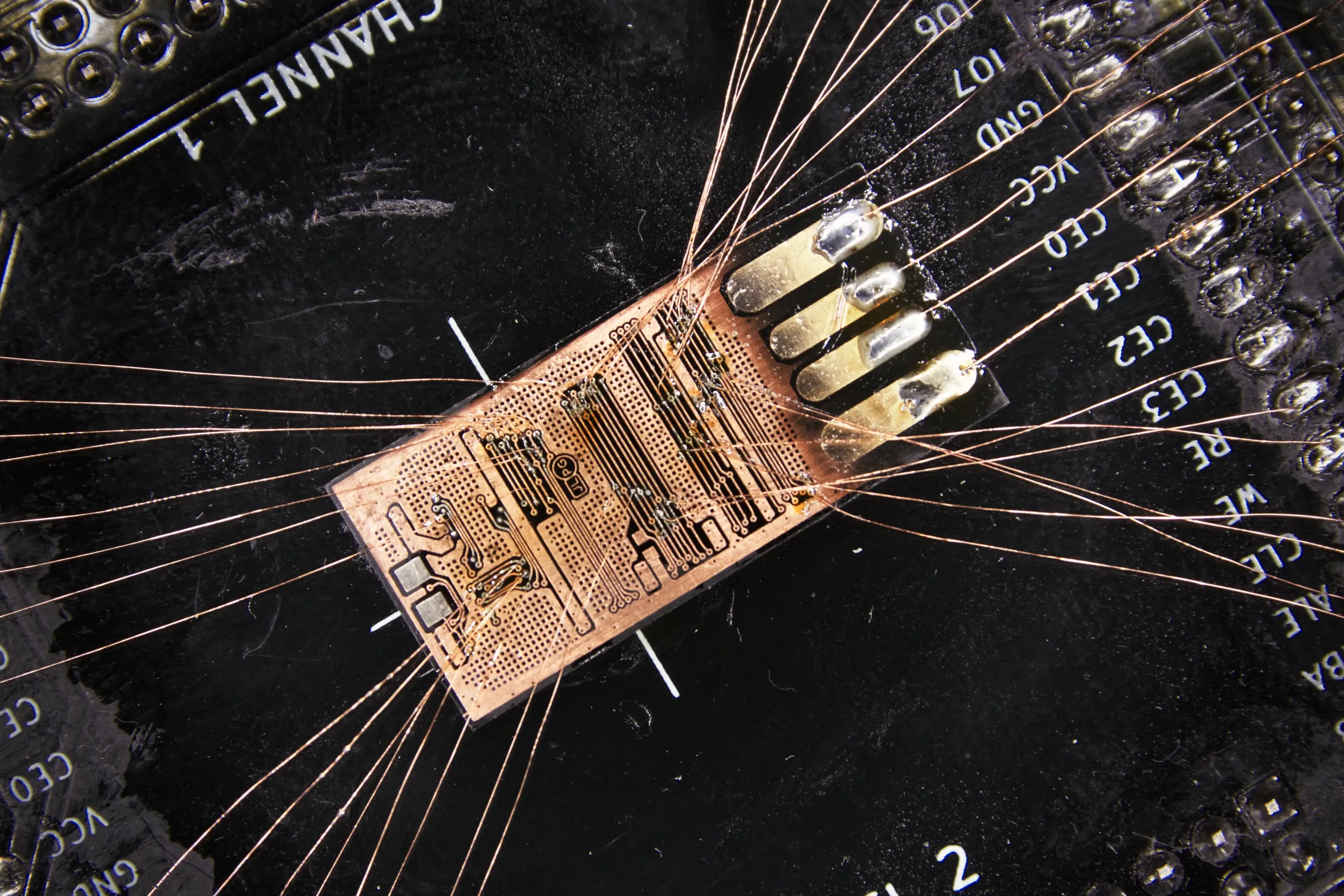
We record our work to show the real service process. This video shows one cause of flash memory failure — due to extensive silicon structure degradation (partial memory bank damage) and a possible partial recovery only, the client decided not to proceed with the service.
Technical capabilities
Equipment
built for the toughest jobs
USB flash drive data recovery — especially for monolithic drives and after controller failure — requires equipment far beyond standard software tools. Chip-Off procedures and direct NAND reading are part of our everyday work.
Hardware & software tools
- AceLab PC-3000 Flash
- Soft-Center Flash Extractor
- Rusolut VNR
Diagnostic tools
- JBC and Quick soldering stations
- Fluke measuring equipment
- QIANLI SUPERCAM X 3D thermal camera
- DSLogic U3Pro32 logic analyser
Supported drive types
- Standard flash drives (PCB with soldered components)
- Monolithic drives (single integrated chip)
- FAT32, exFAT, NTFS, ext4 and other file systems
FAQ
Frequently asked questions
Can I try to recover data from a USB flash drive myself?
If the drive is recognised correctly by the computer, the first step should be to create a binary image and work from the image, not the original. This minimises the risk of further damage during analysis. We always recover data exclusively from a binary copy — never from the original device.
The flash drive shows a smaller capacity than before — can I recover the data?
Yes, but restoring the capacity involves complete data loss — the process re-initialises the memory. To recover data from such a drive, direct reading of the memory chip via an external programmer (Chip-Off procedure) is required. Only after data recovery should you consider restoring capacity.
Is the analysis included in the recovery price and what does it cover?
No. Analysis is a separate service paid upfront (€65 standard; express processing is available at additional cost), which keeps the recovery itself cheaper than at labs offering "free diagnostics". It includes a thorough examination of the drive, identification of the failure type, and an assessment of recovery chances. Based on the results we prepare a report and quote.
How long does USB flash drive data recovery take?
Simple logical cases typically take 3–5 business days. Controller failure recovery or a Chip-Off procedure can take from a few days to several weeks — the time depends on the extent of damage and the drive's construction (monolithic drives in particular are time-consuming).
Can I format the flash drive again since the system suggests it?
No. Even a quick format can overwrite the file structure or trigger TRIM, which frequently makes subsequent data recovery impossible. Click "Cancel" and send the drive in for analysis.
Is it worth using free repair or data recovery software?
Do not use them on the original flash drive. Most tools write data directly to the drive, overwriting the original content. If you must test software, do it only on a binary copy — never on the original.
Can I keep plugging the flash drive into different ports or computers?
No. Each subsequent connection increases the risk of service area errors or complete controller failure. If you have plugged it in several times without success — stop and bring it in for diagnostic.
Is recovered data safe and confidential?
Yes. All work is carried out in a controlled laboratory environment. Data is processed exclusively on dedicated, encrypted workstations and accessed only by authorised engineers. We can sign an NDA upon request.
Get in touch
Describe your USB flash drive problem
You don't need to know the technical details. Just describe the symptoms or the situation in which the damage occurred — our engineer will assess the options and outline a plan of action.