Process
How does data recovery work?
Send your drive
In person or by courier to our facility.
Diagnosis and report
We assess the device condition, type and extent of damage, and recovery options, then prepare a quote. Diagnostics takes from 5 business days (standard) or up to 48 h (express).
Recovery
You decide whether to proceed based on the technical report and file list.
Collection
We copy the recovered data to a new drive or make it available for secure download from our server (up to 10 TB).
Approximate costs
How much does SSD data recovery cost?
Analysis
Standard: €65
Express 24/7: €250
- Detailed technical report
- Data recovery quote
- List of recoverable files
Logical damage
€130–€150
Typical range for drives up to 4 TB
- Deleted files or folders
- Partition read error
- Drive requires formatting
Physical damage and firmware
€290–€670
Typical range for drives up to 512 GB
- Drive extremely slow or freezing
- Drive detected with 0 MB or wrong model name
- No response after power-on
Unusual or particularly complex cases are quoted individually after analysis.
Video from the lab
SM2258H controller replacement
See how the process works in practice
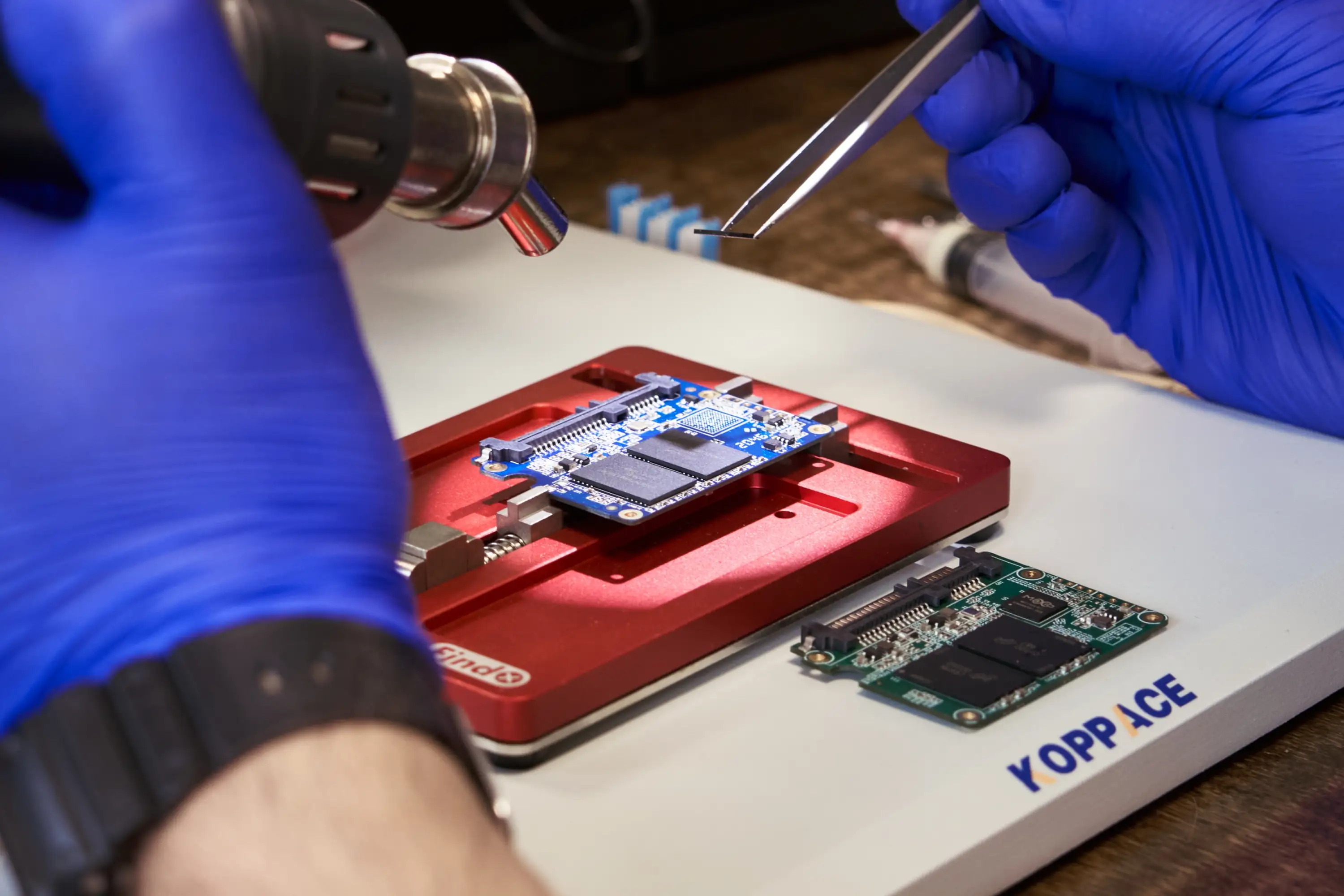
We film our work to show the real service process. The video below shows a controller replacement on an ADATA SU800 drive — since no matching spare part was available, the controller was sourced from another case, resulting in 100% of files recovered.
Technical equipment
Tools
for specialist work
SSD drives require specialist tools for electronics work and reading in technology mode. We develop our own procedures for models not supported by standard service software.
SSD service interfaces
- AceLab PC-3000 Express with SSD extension
- AceLab PC-3000 UDMA with SSD extension
- Soft-Center Flash Extractor
- Rusolut VNR
Diagnostic tools
- JBC and Quick soldering equipment
- Fluke measurement instruments
- QIANLI SUPERCAM X 3D thermal camera
Supported controllers
- Silicon Motion (SM2246, SM2258, SM2259, SM2262, SM2263)
- Phison (PS3105, PS3108, PS5007, PS5012, PS5016)
- Marvell (88SS1074, 88SS9187, 88SS9190, 88SS1093)
- Samsung, Maxiotek and models without official support
FAQ
Frequently asked questions
Is the analysis included in the recovery price, and what does it cover?
No. Analysis is a separate service paid upfront (€65 standard or €250 express), which keeps the recovery itself cheaper than at labs offering "free diagnostics". It covers a thorough examination of the drive, identification of the failure type, and an assessment of recovery chances. Based on the results we classify the case, prepare a report, and provide an exact quote.
How long does SSD data recovery take?
The turnaround depends on the drive model and extent of damage. Simpler cases typically take 5–7 business days; more complex ones take longer accordingly. We give an exact timeline after the diagnostic is complete.
Do you recover data from every SSD model?
Yes. We recover data from SSD and NVMe drives in SATA, mSATA, M.2 and PCIe formats, both consumer and server, from most manufacturers — Samsung, Crucial, Kingston, WD, Seagate, Micron, Intel, ADATA, GoodRam. For very rare models we will inform you of any limitations after the diagnostic.
What should I do when an SSD suddenly stops being detected?
Shut down the computer immediately and disconnect the drive from power. Every subsequent power-on can activate the TRIM mechanism, which permanently erases data from memory cells, making recovery impossible. Do not reconnect the drive until you speak with a specialist.
Can I repair the firmware or update a damaged SSD myself?
No. Attempting a self-repair or firmware update can completely wipe the memory contents or change the internal data structure, making file recovery significantly harder or impossible. Any such operation initialises the drive — the effect is irreversible.
Is the recovered data safe and confidential?
Yes. All work is performed in a controlled laboratory environment. Data is processed only on dedicated, encrypted workstations accessible only to authorised engineers. We can sign an NDA upon request.
Get in touch
Describe your SSD problem
You don't need to know the technical details of SSD data recovery. A brief description of what happened is enough — our engineer will assess the situation and outline the possible approaches.